The Asset Manager is a component of the Metaplan platform that allows users to manage and organize their 3D models.
This article will cover the essential aspects of working with assets, including the supported file
types, storage capacity, and instructions for adding and removing objects from the Asset Manager.
¶ What is an Asset Manager
The Asset Manager is a centralized storage and organization system designed to help users manage their digital assets
for use in their virtual worlds. It enables you to import, store, and access various asset types
to customize and enhance your virtual spaces. The Asset Manager simplifies the process of asset management
by providing a user-friendly interface for managing your digital resources.
¶ Supported File Types
The Metaplan Asset Manager supports the following file types:
3D Models: .glb
Textures: .jpg, .jpeg, .png, .bmp, .tga
¶ Storage Capacity
The storage capacity available for your Asset Manager depends on your Metaplan subscription plan.
Each plan offers a different storage limit to accommodate varying user needs:
Free Plan: 100 mb
Basic Plan: 500 mb
Pro Plan: 2000 mb
Enterprise Plan: unlimited
If you wish to modify the virtual world, you can utilize our pre-existing models.
Please note that you can always upgrade your plan to increase your storage capacity as needed.
¶ How to Add an Object to the Asset Manager
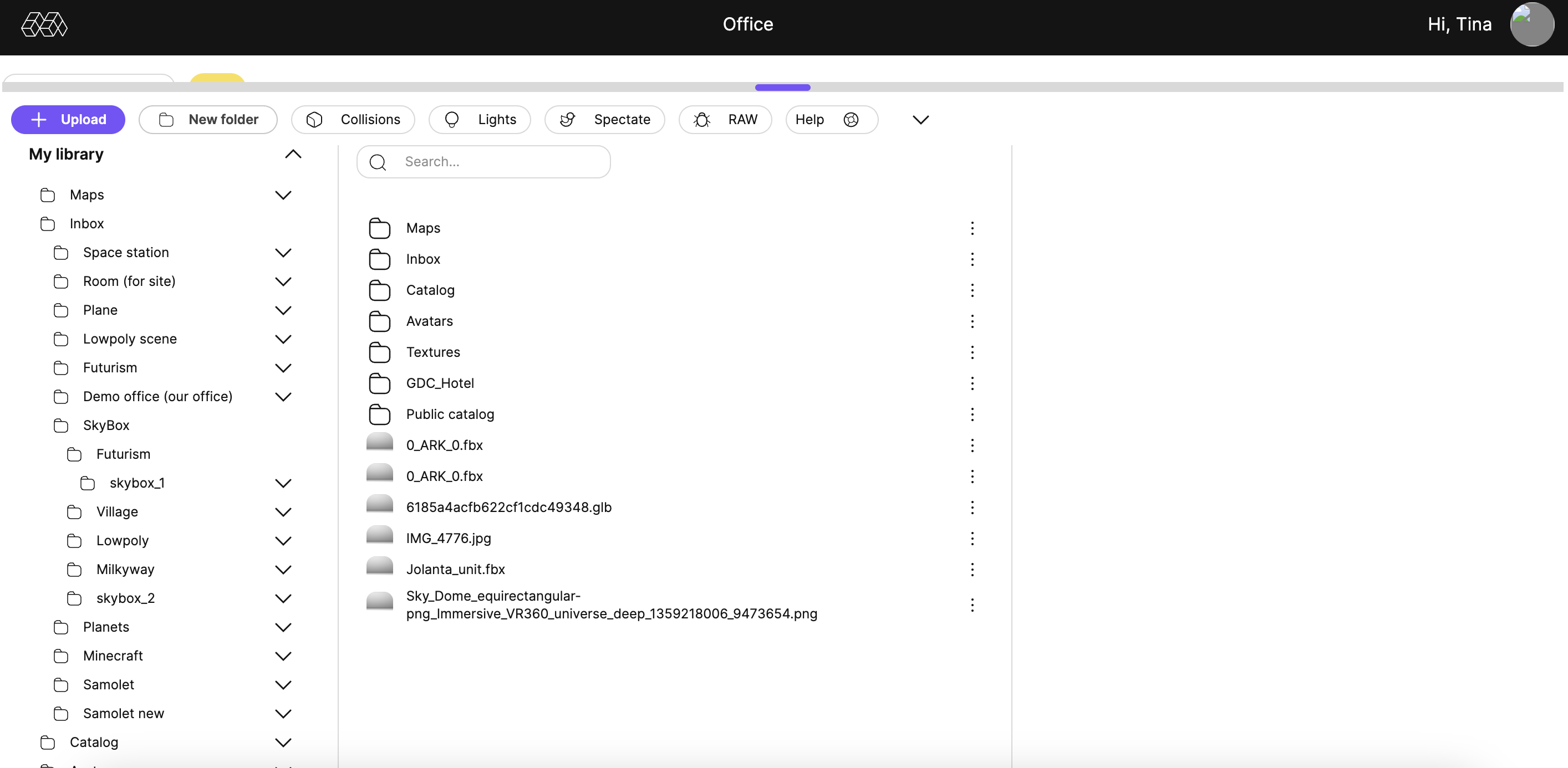
- Go to World Edit mode
- Click Add 3D Object
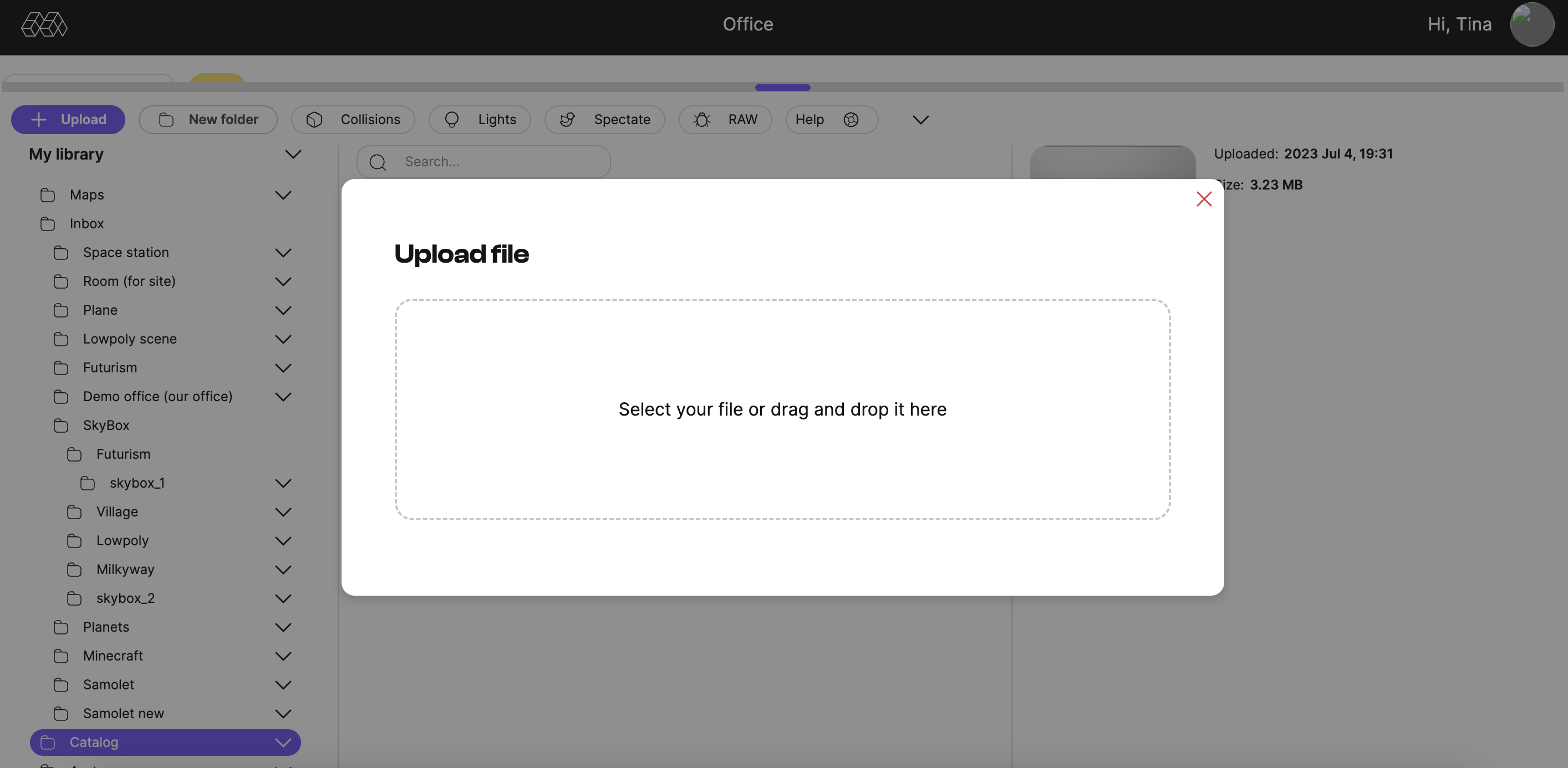
- Click the Load button in the Asset Manager window.
- Browse to the desired resource file on your computer and make sure it is one of the supported file formats.
- Select the file and click Open to begin the download process.
- Once the download is complete, the new asset will appear in your Asset Manager and will be ready for use in your virtual worlds.

¶ How to Remove an Object from the Asset Manager
If you need to remove an object from your Asset Manager, follow these steps:
- Navigate to the Asset Manager in the Metaplan World Builder.
- Locate the asset you wish to remove.
- Click on the asset to select it.
- Press the "Delete" button
- A confirmation dialog will appear. Click "Yes" to confirm the deletion.
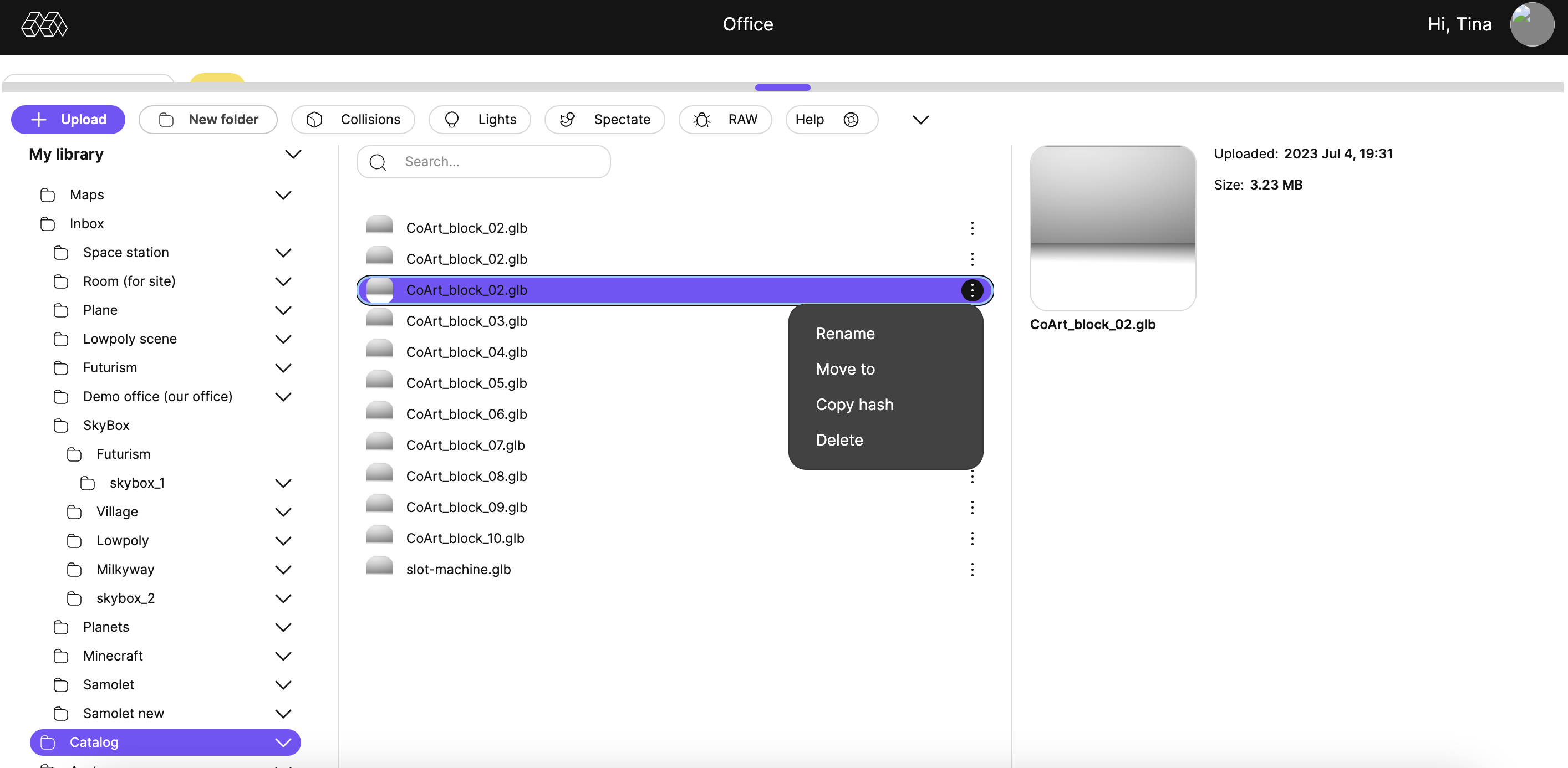
Please note that deleting an asset from Asset Manager will permanently remove it from your assets and all worlds where you placed the item.
You will need to reload the resource if you want to use it again in the future.