¶ Default Metaplan Avatar
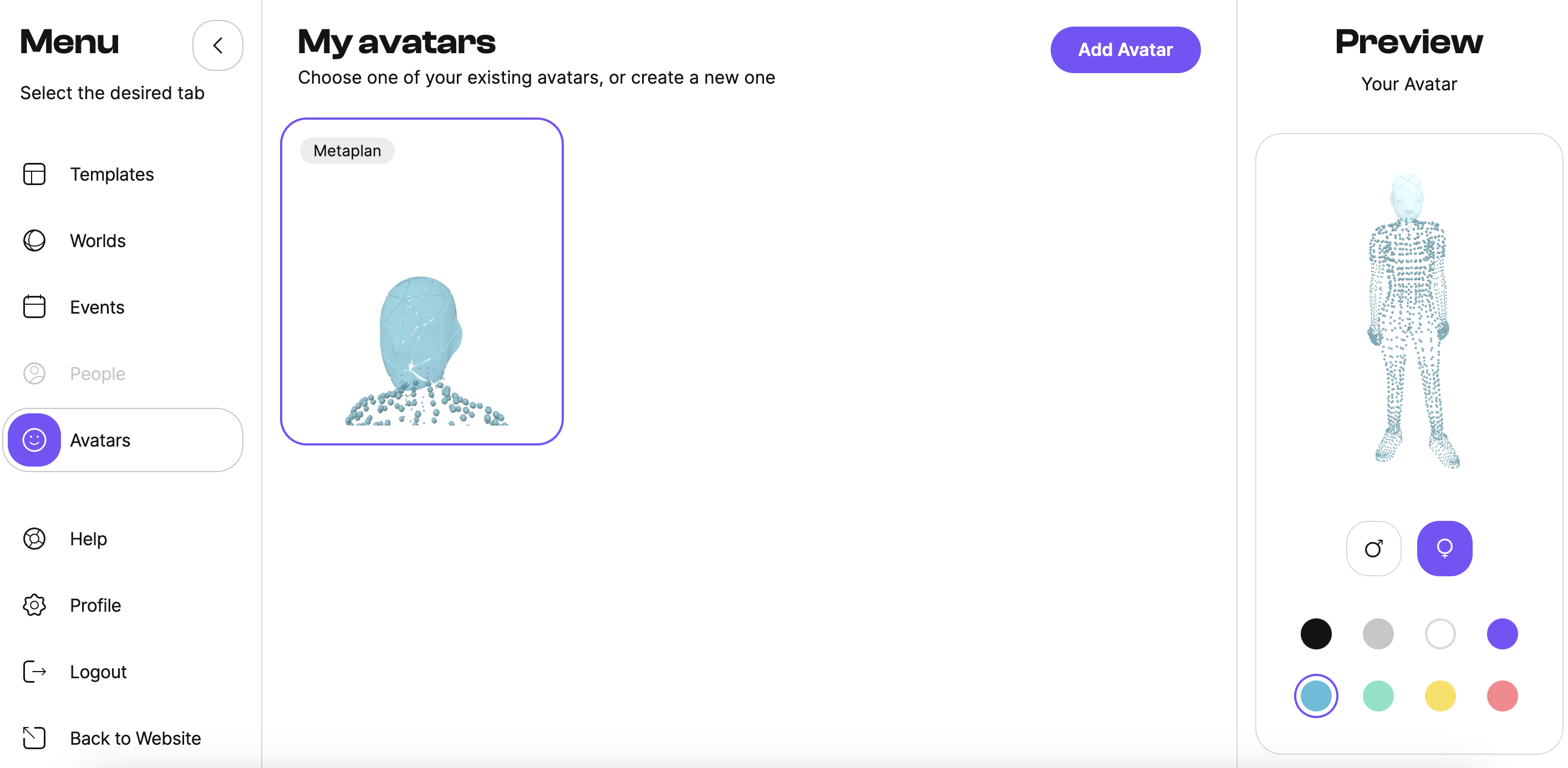
The default Metaplan avatar is assigned to all users initially but can be edited to suit your preferences:
- Click "Avatars" in the left menu.
- Under the avatar, you will find a panel where you can change the gender and color.
¶ Creating an Avatar with Ready Player Me
To create an avatar using the Ready Player Me avatar system, follow these steps:
- Click "Avatars" in the left menu.
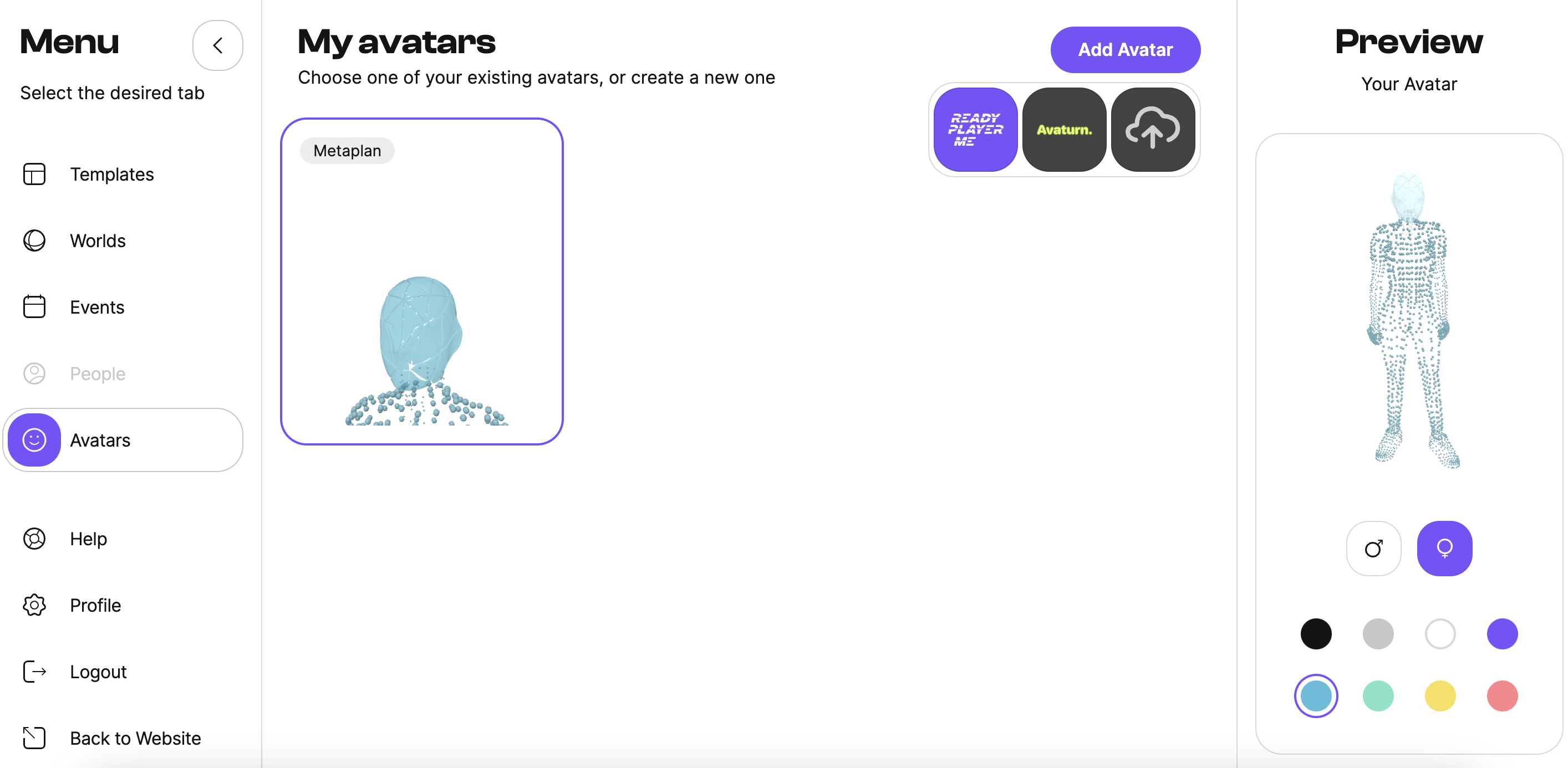
- Click the Add avatar button.
- Select Ready Player Me from the list.
- Then just follow the on-screen instructions.
- Choose your body type.
- Take a photo or continue without one.
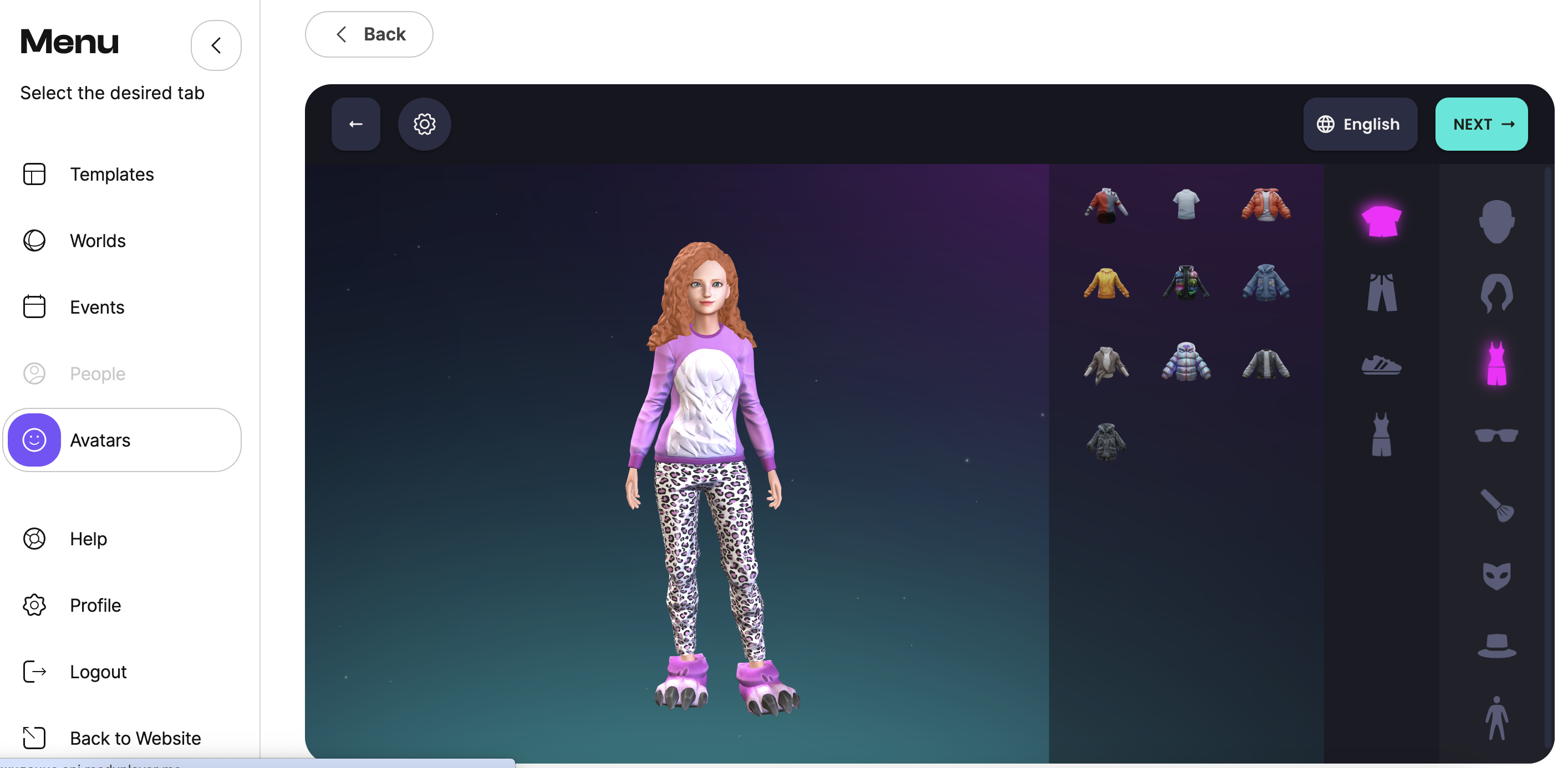
- Select an avatar from those offered for further editing.
- Customize your avatar using the suggested tools.
- Click Next (at this point, you can register with the RPM system or skip this step).
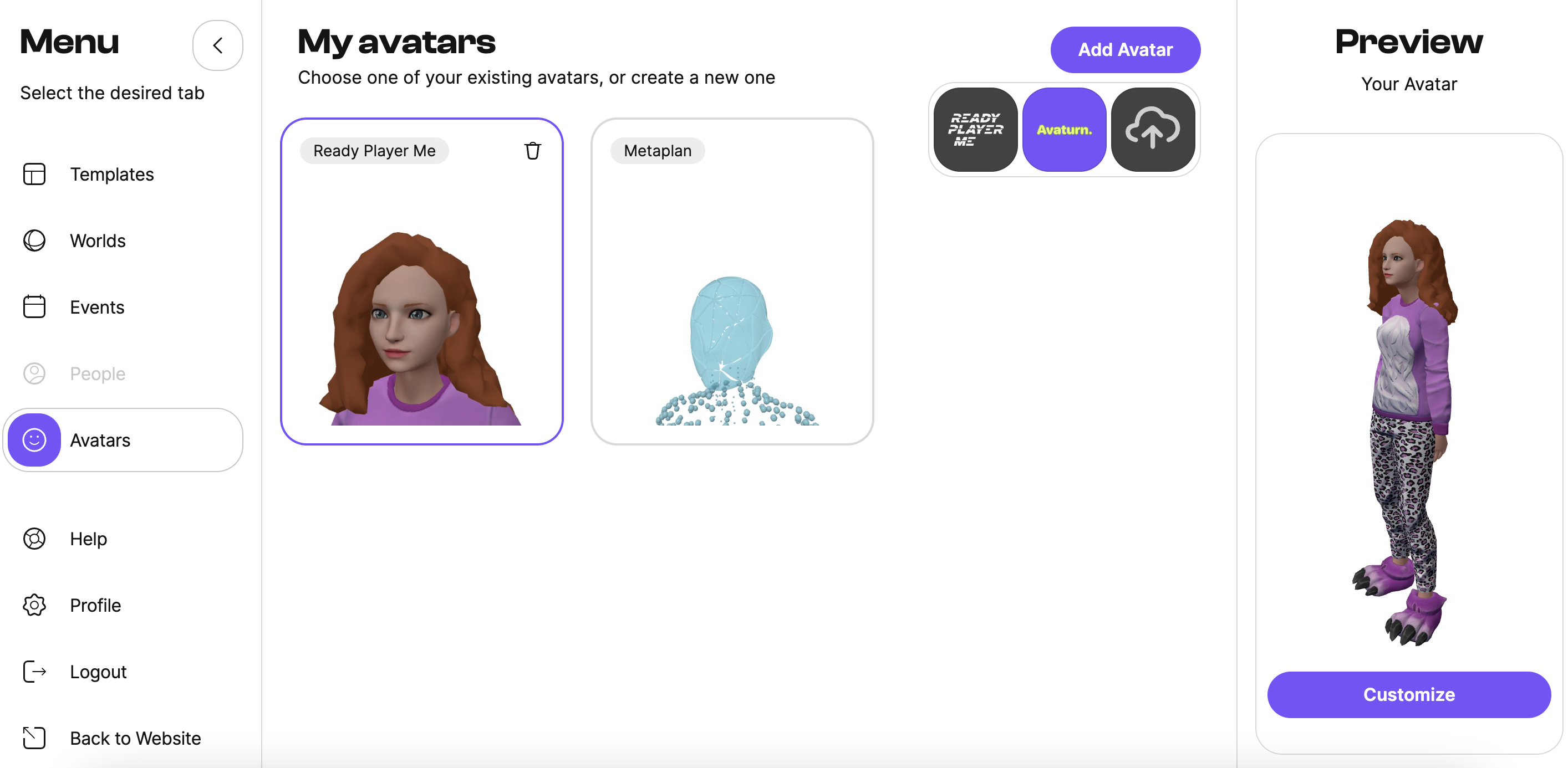
You will be taken back to the Metaplan lobby, and your new avatar is ready!
¶ Creating an Avatar with Avaturn
To create an avatar using the Avaturn avatar system, follow these steps:
- Click "Avatars" in the left menu.
- Click the Add avatar button.
- Select Avaturn from the list.
- Then just follow the on-screen instructions.
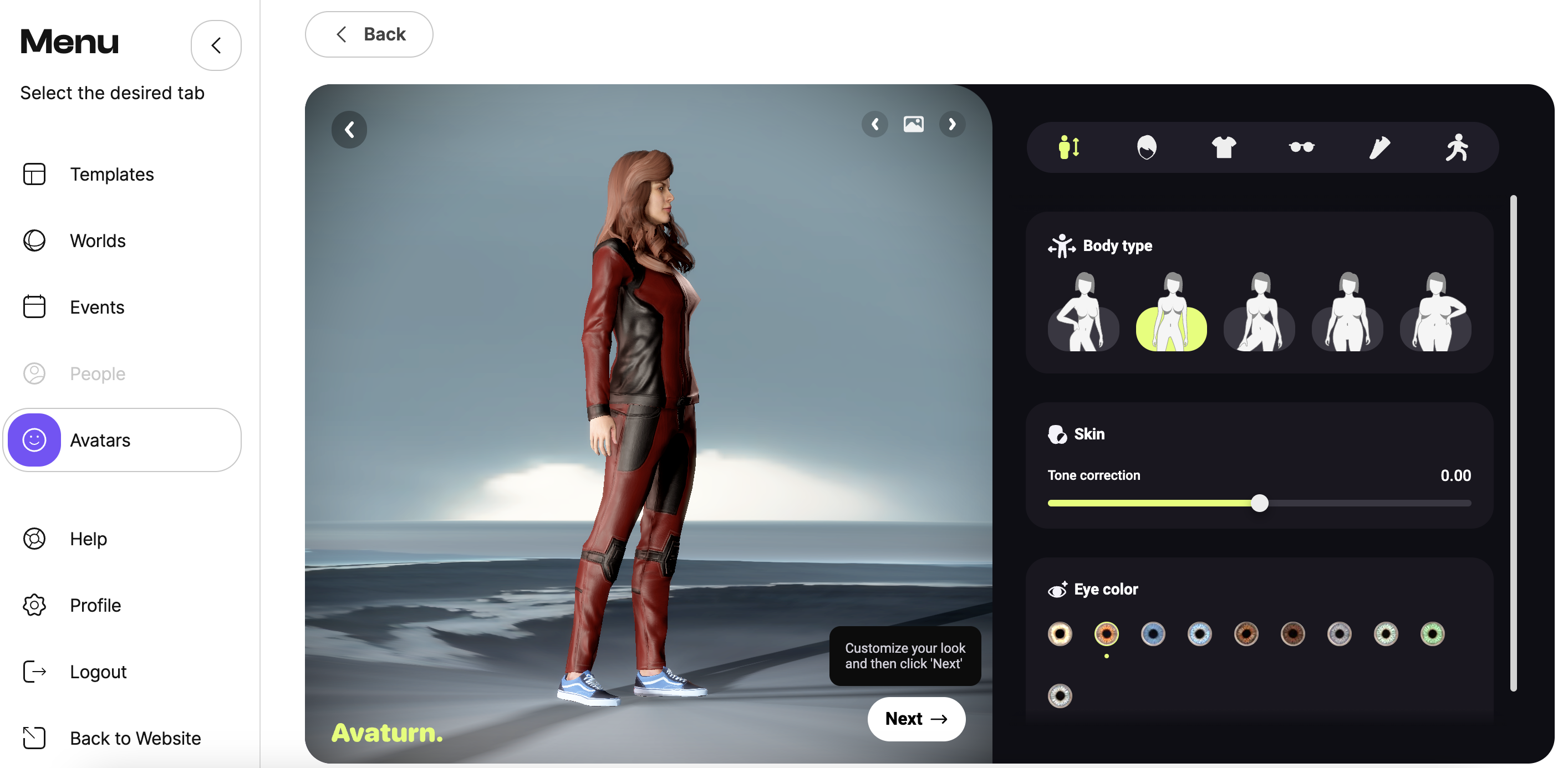
Click Next
You will be taken back to the Metaplan lobby, and your new avatar is ready!