In this article, we will guide you through the process of importing avatars on Metaplan.
We will also discuss the technical requirements for avatar models.
¶ Adding a User Avatar
Users can upload their own avatars and use them in virtual worlds.
Administrators can manage this feature in the Admin dashboard by enabling or disabling the function.
To upload your own user avatar:
- Click "Avatars" in the left menu.
- Click the Add avatar button.
- Select Upload from the list.
- Upload your glb file.
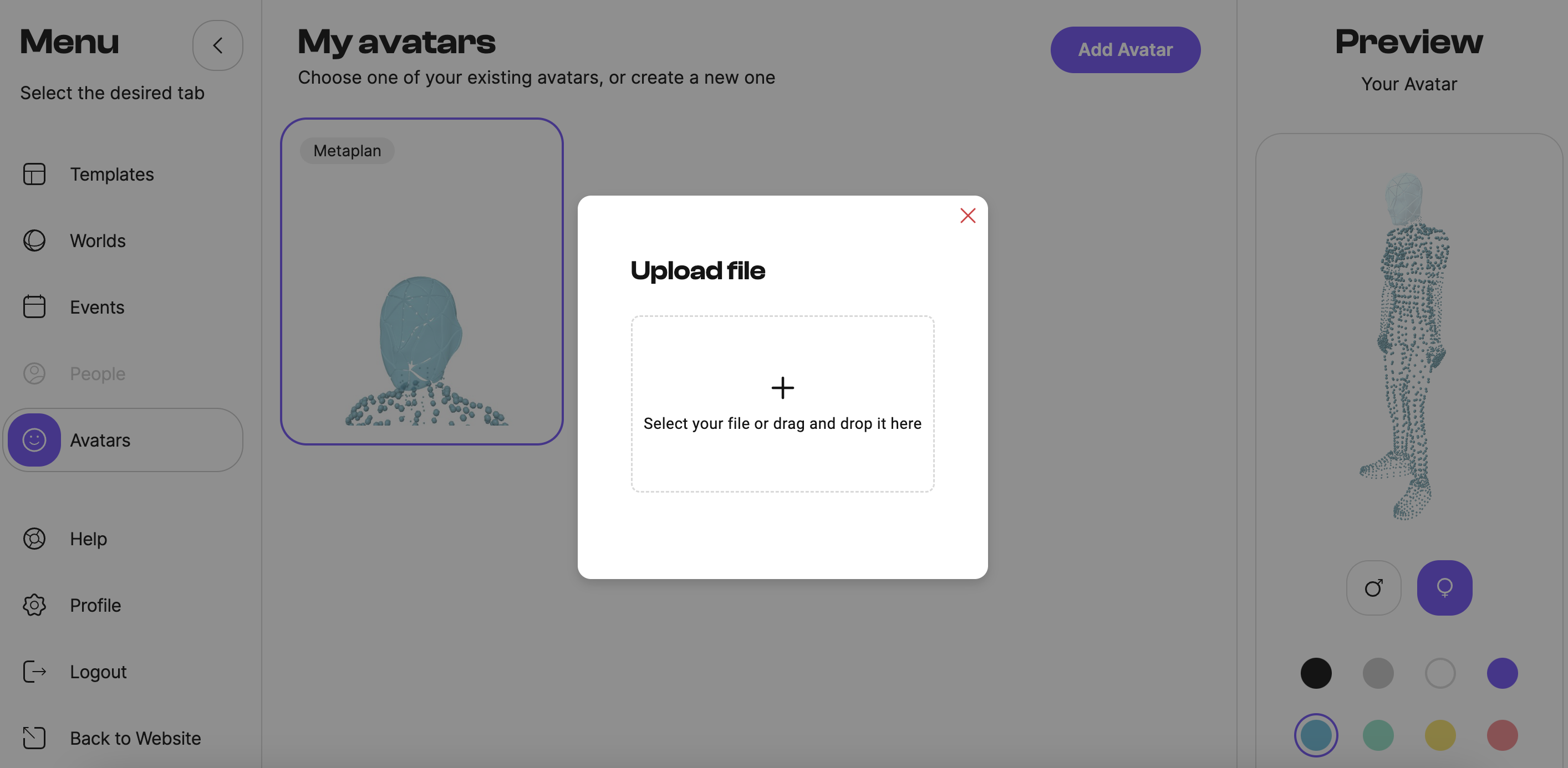
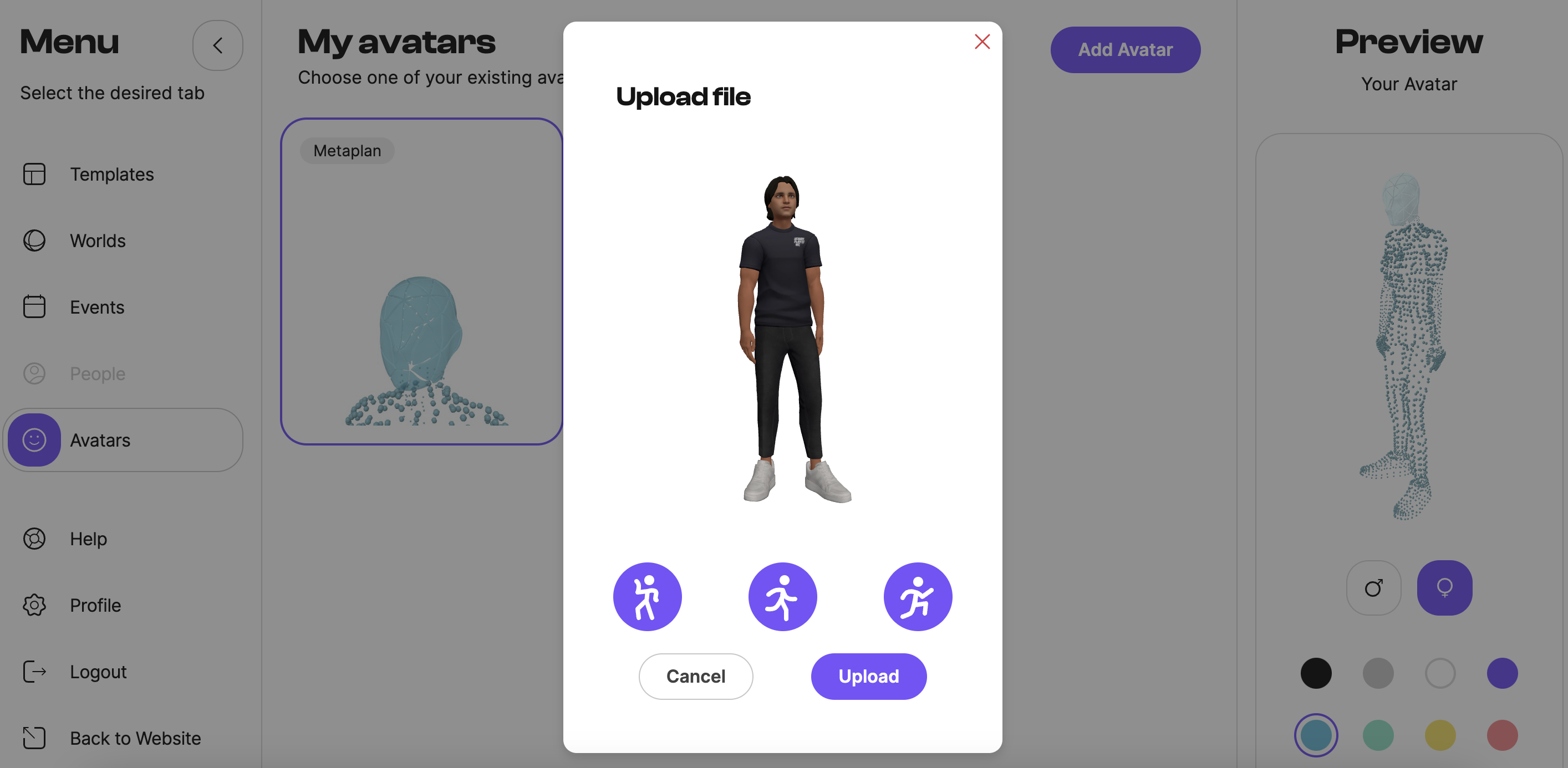
Only GLB format can be used!
¶ Technical Requirements for Avatars
When importing avatars, ensure they meet the following technical requirements:
- Humanoid proportions based on the provided skeleton.
- Total file size should be between 5-8 MB.
- Bones built with provided hierarchy.
- Less than 15,000 polygons per model.
- Topology created for animation.
- Textures are collected in a minimum number of atlases.
- Size of UV atlases should not exceed 1024x1024px.
- Bones and mesh transformations should be reset to 0 (Position, Rotation) and to 1 (Scale) for all XYZ axes.
- No more than 60 bones in total.