Once you've created an account, you can log in to our software to get started. Here's how to login:
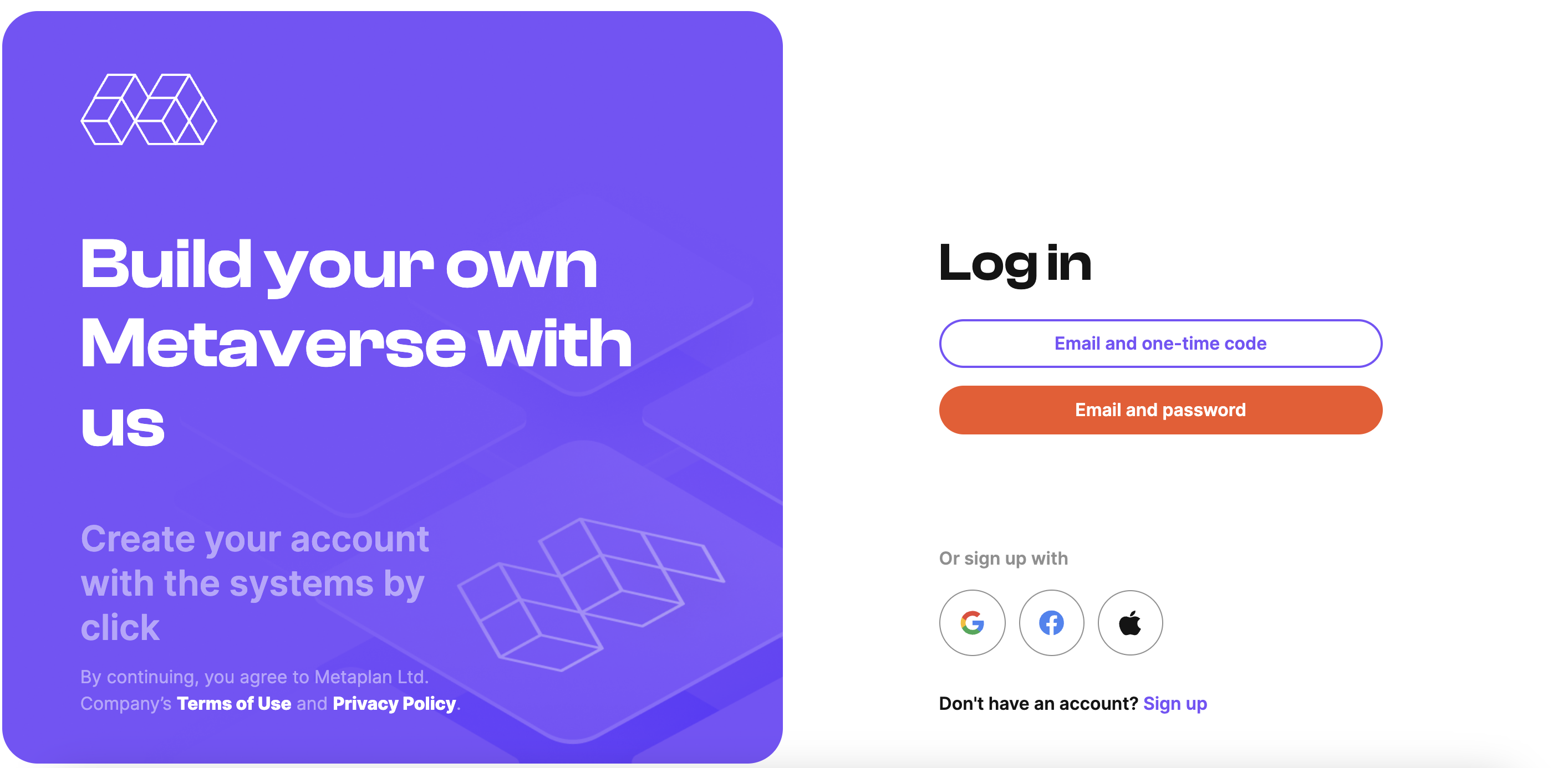
¶ Login with email
1. Go to our website and click on the "Log in" button.
2. Enter your email address and your password in the login form.
3. Click on the "Log In" button to submit your information.
4. If your details are correct, you will be taken to your account where you can get started.
¶ Forgotten password
If you've forgotten your password, don't worry! You can easily reset it by following the steps below:
1. Click on the "I forgot the password" link located below the login form:
2. Enter the email address associated with your account and click the 'Submit' button.
3. Check your email inbox for a password reset link sent by our service.
4. Click on the password reset link provided in the email.
5. Follow the on-screen instructions to create a new password for your account.
6. You can now login to your account with your new password.
¶ If you encounter any problems during the login process, please don't hesitate to contact our support team for assistance.
Please keep your password safe and do not share it with anyone.
¶ Signing in with a one-time code
1. Go to our website and click on the "Login In" button.
2. On the login page, select "Continue with one-time code".
3. Enter your email address and click 'Send code':
4. Check your email and enter the code you received in the box provided.
5. If your details are correct, you will be redirected to your account and ready to go.
¶ You can also login using Google, Facebook, Apple.
Simply select the appropriate option on the authorisation page.