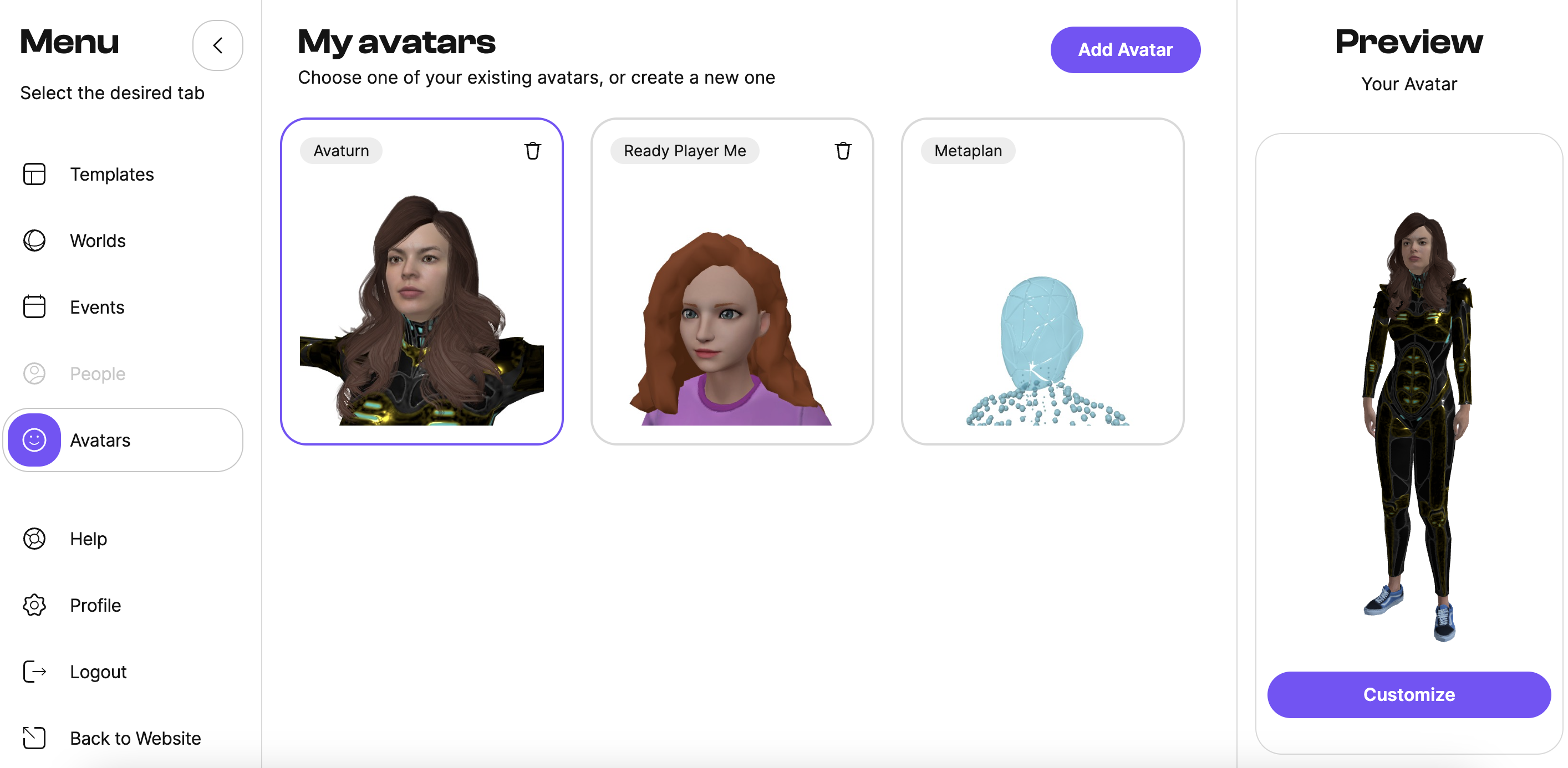
Metaplan supports a variety of avatar systems to provide users with a diverse range of options for their
digital representation in virtual worlds:
This article will introduce you to the integrated avatar systems available on our platform and explain
how you can integrate custom avatars.
¶ Metaplan Avatar System
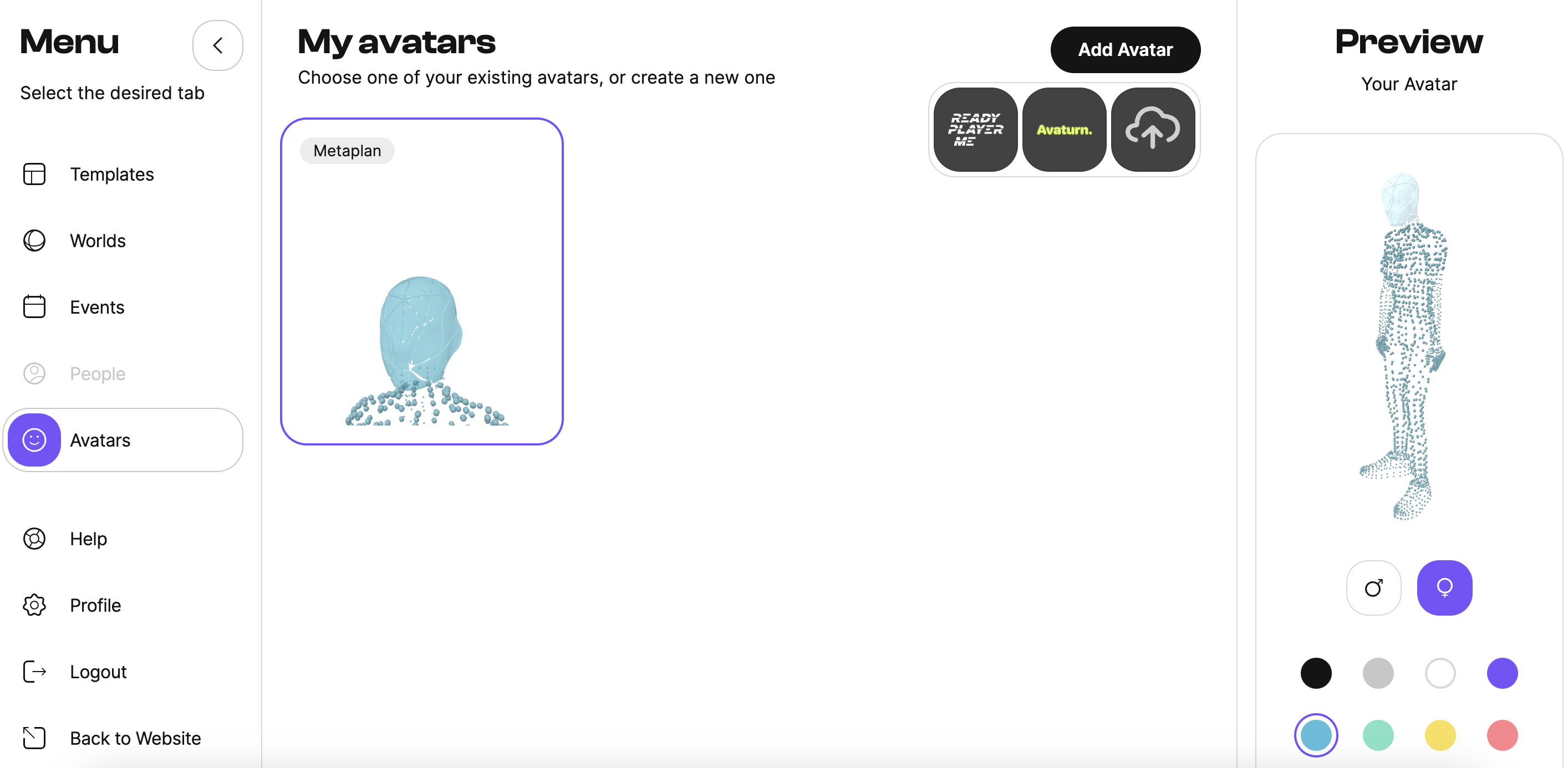
Metaplan's avatar system is the basic default system available to all users.
These avatars are simple and easy to customize, allowing you to represent yourself in the virtual world with minimal effort.
You can change the gender and color of your Metaplan avatar through the Avatar Settings menu.
¶ Ready Player Me
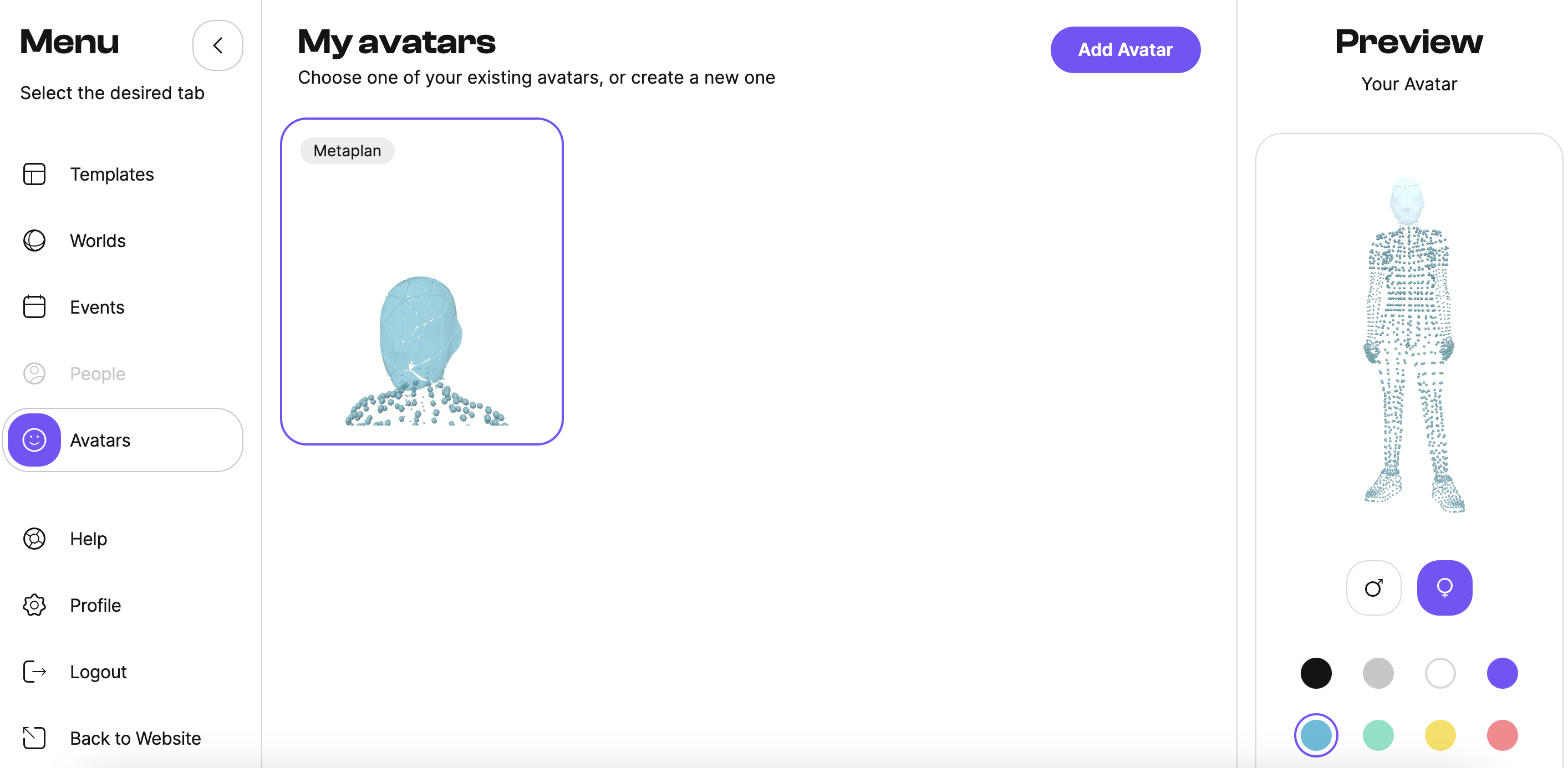
Ready Player Me is another avatar system supported by Metaplan.
This platform allows you to create more detailed and personalized avatars using
a wide range of customization options. With Ready Player Me, you can take a photo of yourself
or use the available editing tools to design an avatar that truly represents you.
To use Ready Player Me with Metaplan, follow the instructions
in our How to Create an Avatar article.
¶ Avaturn
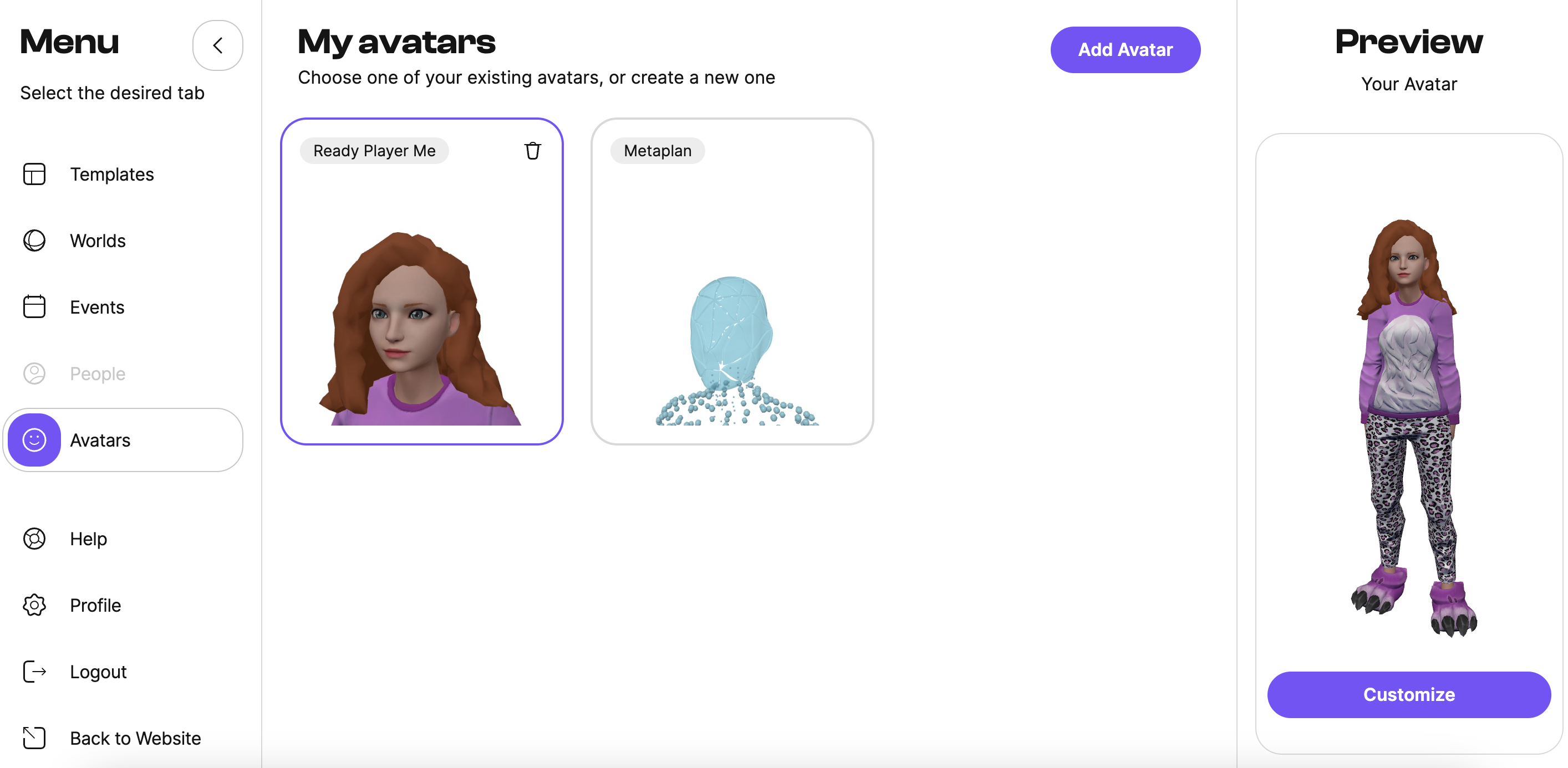
Avaturn is another integrated avatar system available on Metaplan.
Avaturn offers a collection of 3D avatars that are fully customizable,
providing users with a unique way to express themselves in the virtual world.
To use Avaturn avatars with Metaplan, simply select Avaturn from the list
of available avatar systems when creating or editing your avatar.
¶ Custom Avatar Integration
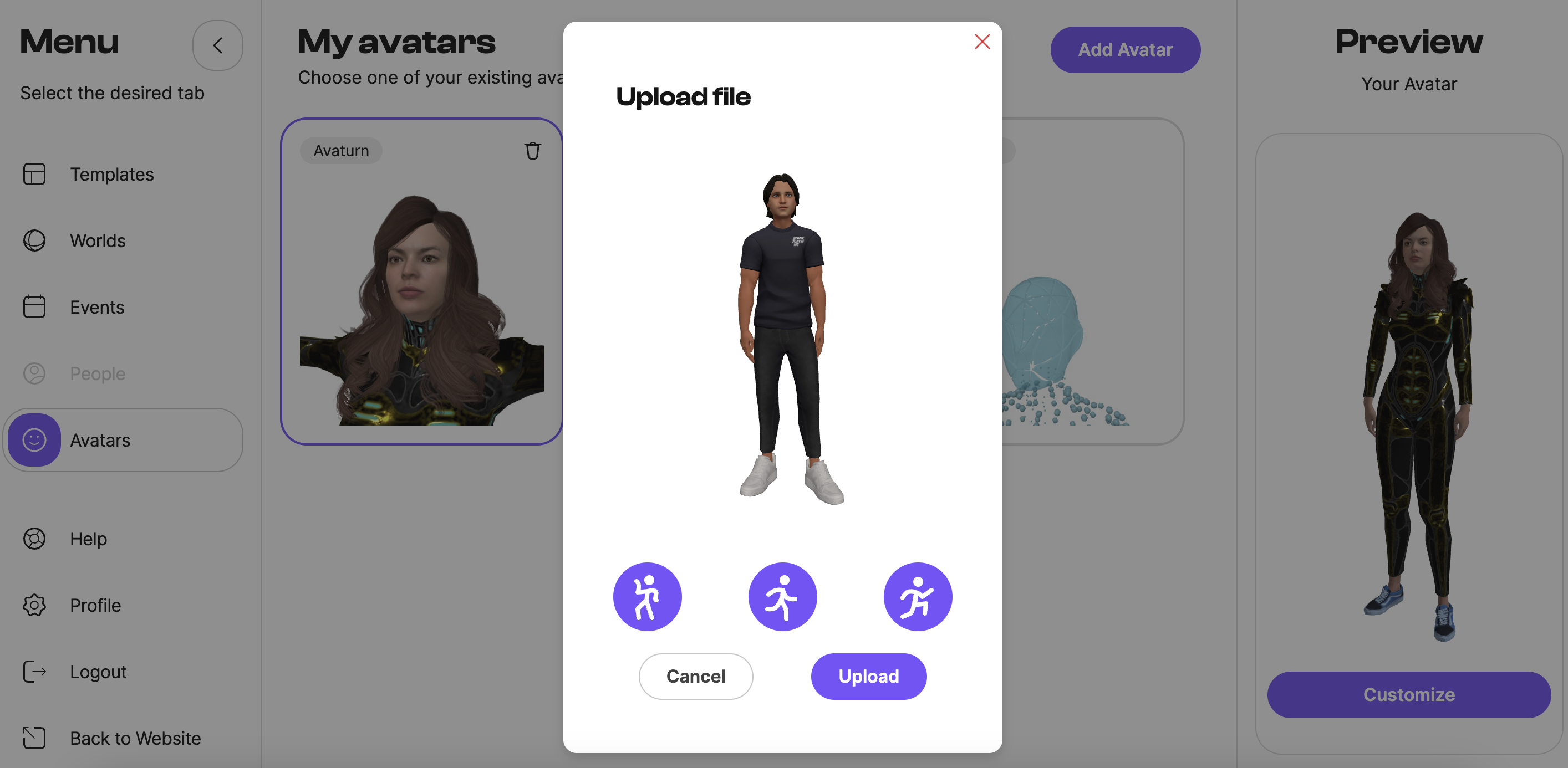
Metaplan allows you to integrate your custom avatars using glb models.
This feature enables users to create and import their own 3D models, giving them full control over their virtual identity.
Custom avatars must meet certain technical requirements to ensure optimal performance on the platform.